


Pull Down menu: what buyers actually need to know before they choose a design
A Pull Down menu looks simple on the surface, but in a product, website, control panel, or training interface, it can decide whether people move quickly or hesitate. For engineers, sourcing managers, and product teams, the real question is not whether a Pull Down list exists; it is whether the Pull Down menu design helps users find the right option without slowing the workflow or creating errors.
That matters more than many teams admit. A poorly thought-out Pull Down selector can hide key choices, add extra clicks, and frustrate users who only wanted one clean action. A well-built one, by contrast, keeps dense information compact and supports faster decisions. The same logic shows up in manufacturing and commercial equipment environments, where users often need clear navigation, direct controls, and interfaces that do not get in the way of the task.
Why the Pull Down menu still matters in industrial and commercial products
People sometimes treat the Pull Down menu as a basic interface element, but in real product environments it solves a specific problem: how to present multiple choices without cluttering the screen or panel. That is useful on software dashboards, embedded displays, ordering systems, and equipment control interfaces. It is also useful anywhere the user may be under time pressure and cannot dig through a long page of options.
The tradeoff is familiar. The more choices you compress into a Pull Down navigation pattern, the more you rely on the user to notice the control, open it, and understand what the labels mean. That works well when the list is short, the naming is clear, and the decision is familiar. It works less well when the list is technical, the terms are ambiguous, or the wrong selection creates downstream problems.
That is why buyers evaluating a Pull Down selector should think beyond appearance. The real issue is fit: fit for the task, fit for the user, and fit for the context in which the product will be used.
Quick comparison: when a Pull Down list is the right choice
Not every control needs a Pull Down menu. Sometimes a toggle, segmented control, search box, or visible button row is easier for the user. But a Pull Down list is often the right answer when the interface has limited space and the option set is stable.
Use a Pull Down menu when:
- The number of options is moderate and not likely to overwhelm the user.
- The choices are mutually exclusive.
- Space is limited and screen real estate matters.
- The labels are familiar or can be made unambiguous.
- The user can reasonably expect a selection step before action.
Think twice when:
- Speed is more important than compactness.
- Users need to compare several options side by side.
- The list contains technical names, sizes, or codes that require reading carefully.
- The wrong choice can cause rework, delays, or safety concerns.
Pull Down menu design: what separates usable from annoying
Good Pull Down menu design is not glamorous. It is mostly about reducing friction. The best versions make the available choices obvious, keep the list readable, and avoid forcing the user to hunt for the right item. In industrial software and product settings, that usually means clear labeling, sensible ordering, and enough visual contrast to see the selected state at a glance.
There is also a practical issue that gets missed during design reviews: how the menu behaves under real use. Does it close too easily? Does it cover important content? Does it work cleanly on touch screens, keyboard input, or slower devices? These details sound minor until the product ships and people start using it in the field.
A buyer-facing warning is worth saying plainly: if your team is choosing a Pull Down menu to hide complexity, make sure you are not also hiding a decision the user should understand. Compact does not always mean clear.
Common design checks worth asking for
Before approving a Pull Down selector, teams usually benefit from a short review of practical points:
- Are the labels written in language the actual user understands?
- Is the list sorted in a way that supports the task?
- Can users scan it quickly without reading every item twice?
- Is the current selection easy to see?
- Does the control work reliably across the intended device types?
These are not abstract questions. They are the difference between a clean workflow and one that quietly builds frustration over time.
How product teams should think about selection logic
A Pull Down menu is often chosen late in the process, after the main product architecture is set. That can be a mistake. Selection logic should be part of the design discussion early, because it affects how users move through the product. If the control requires memorization, the team may need a different interaction model. If it presents long lists, maybe a filter or search function should sit alongside it. If the choices are used repeatedly, the user may prefer a more direct control.
This is especially true in equipment environments where operators may interact with systems repeatedly during a shift. A Pull Down navigation pattern works best when the task is repetitive but simple, and when the cost of a wrong selection is low enough to tolerate a small amount of extra checking.
Practical lessons from manufacturing environments
Manufacturing companies often think in terms of reliability, repeatability, and efficient use of space. Those same ideas apply to user interface decisions. A control that looks neat but slows the operator is not really efficient. A menu that saves space but causes mis-selections is not really reliable.
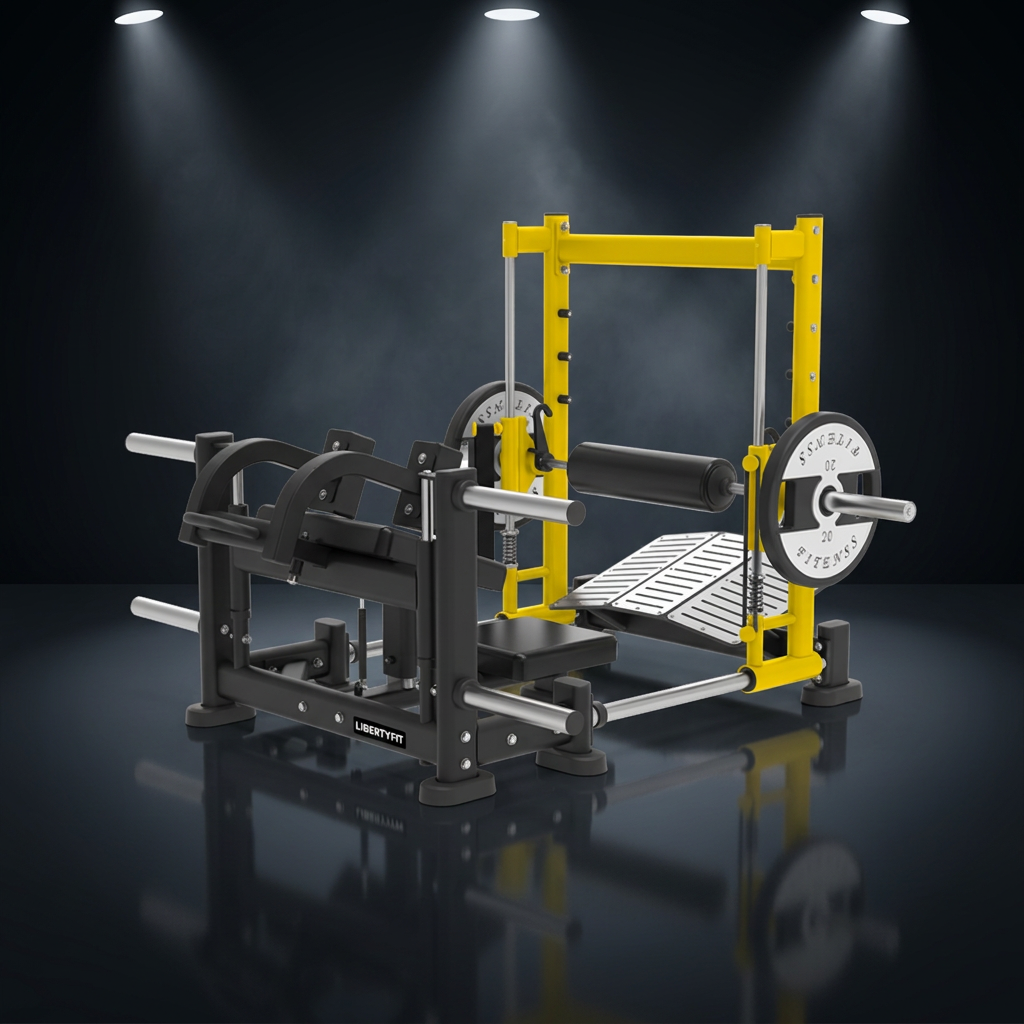
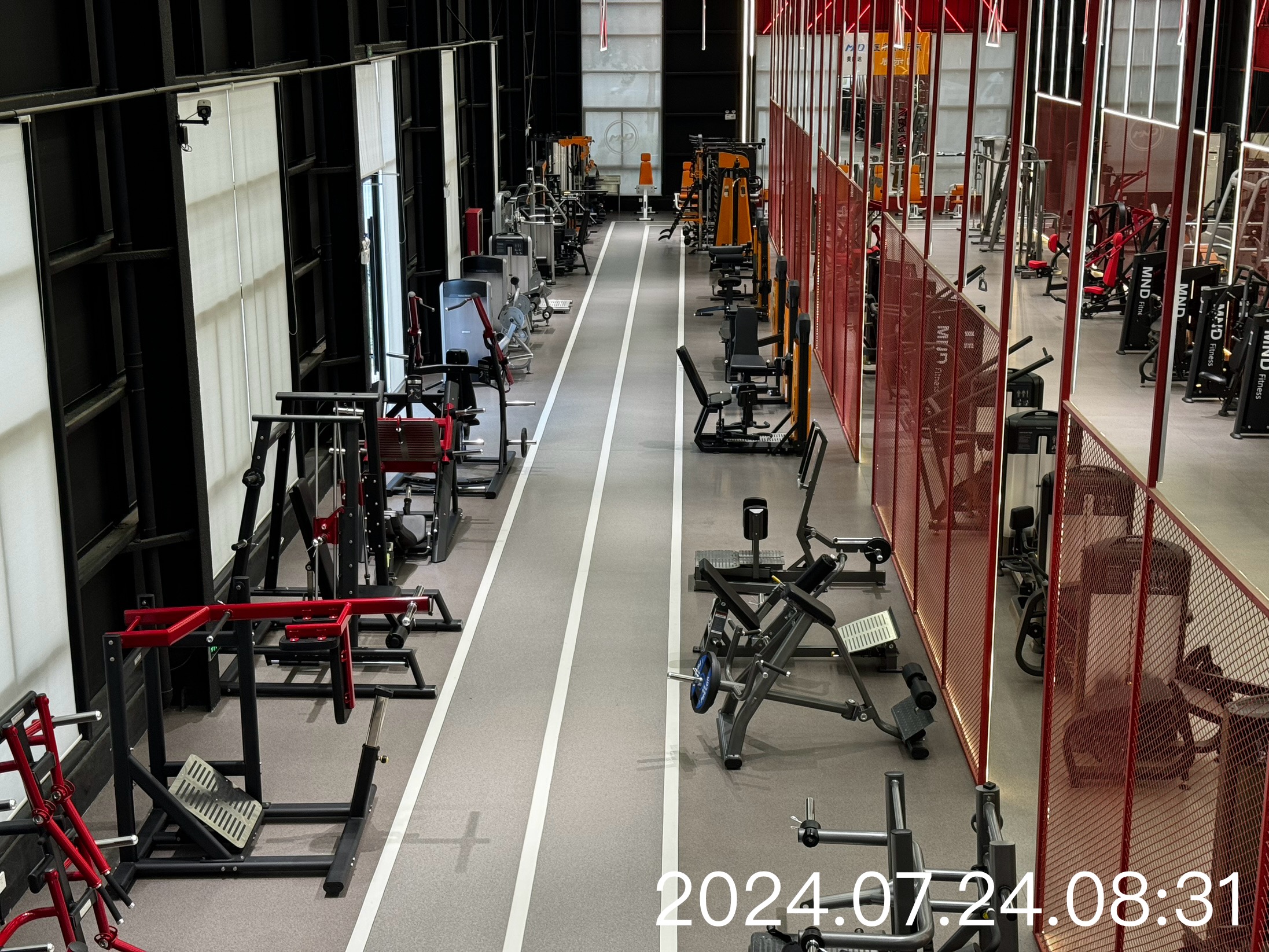
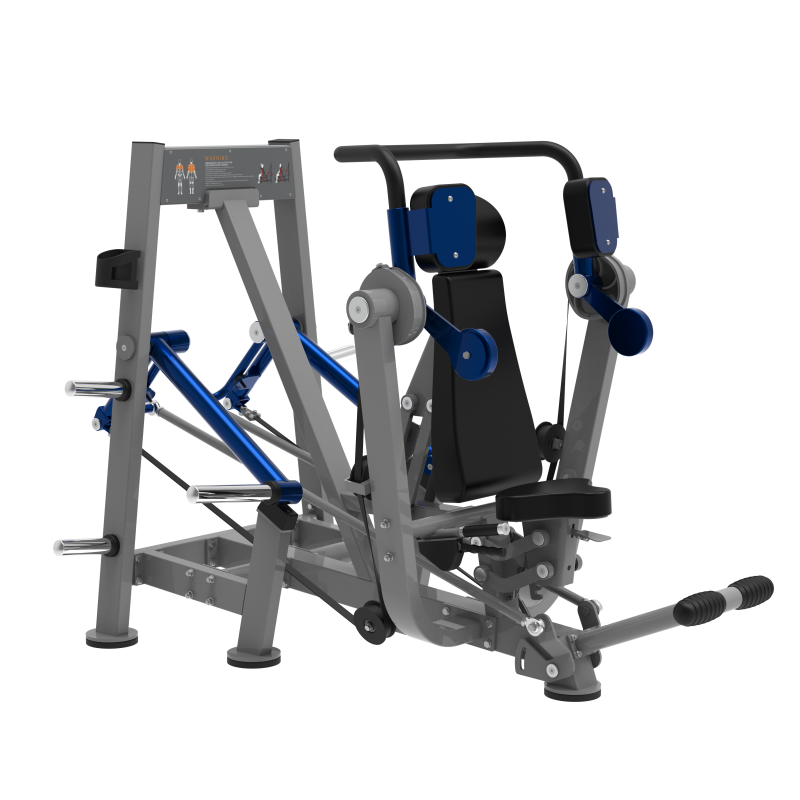
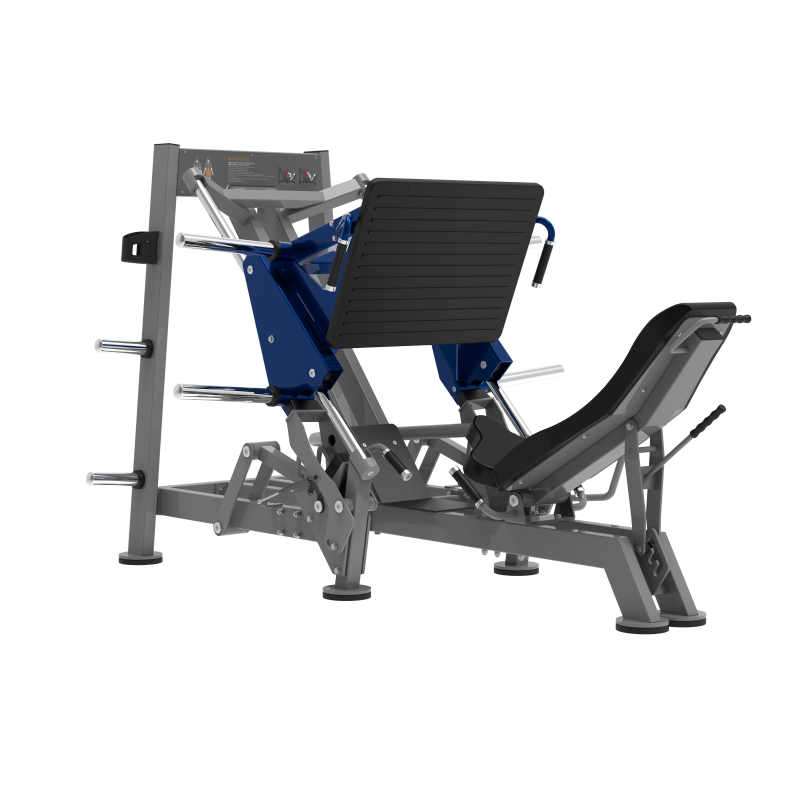
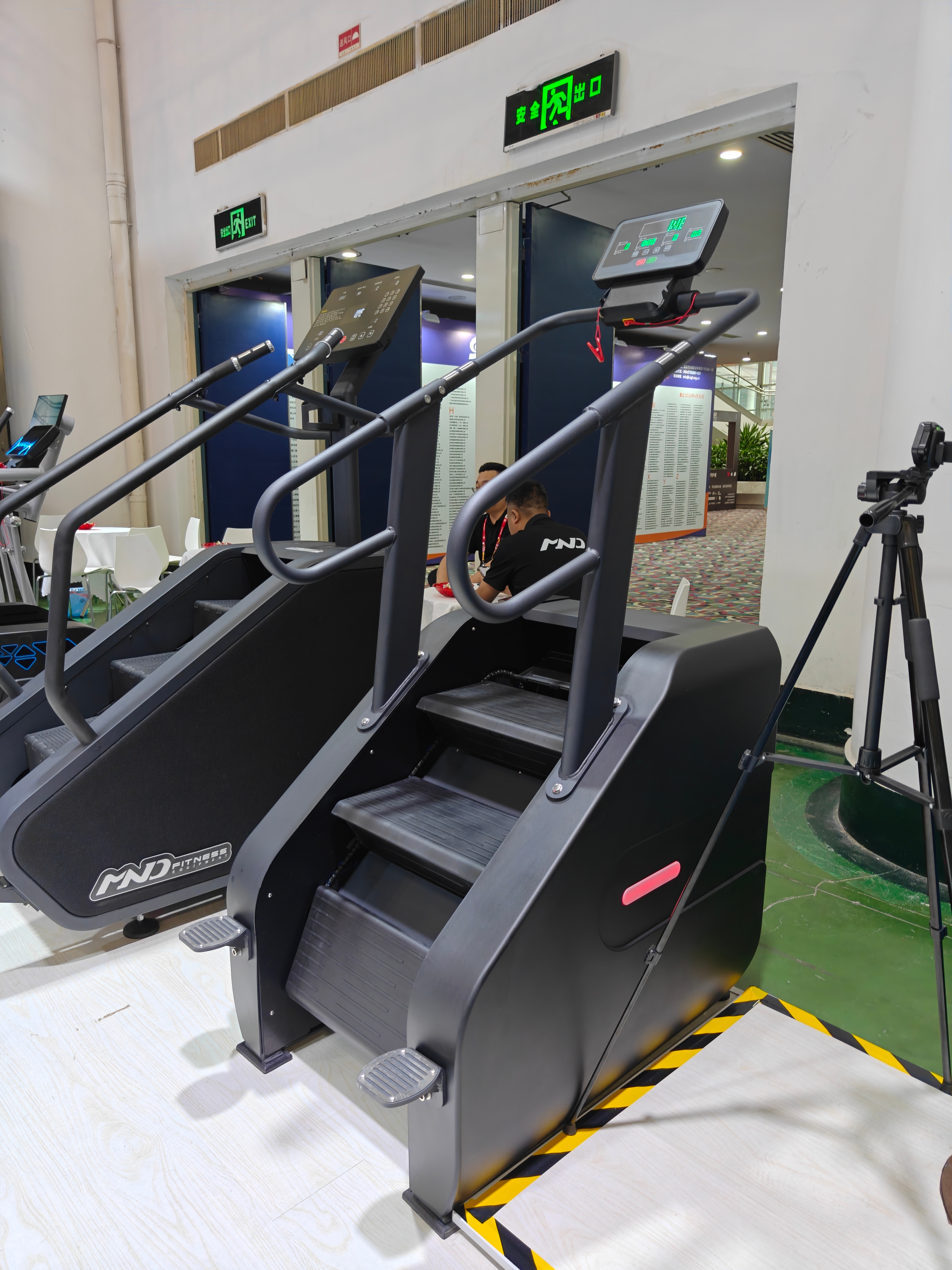
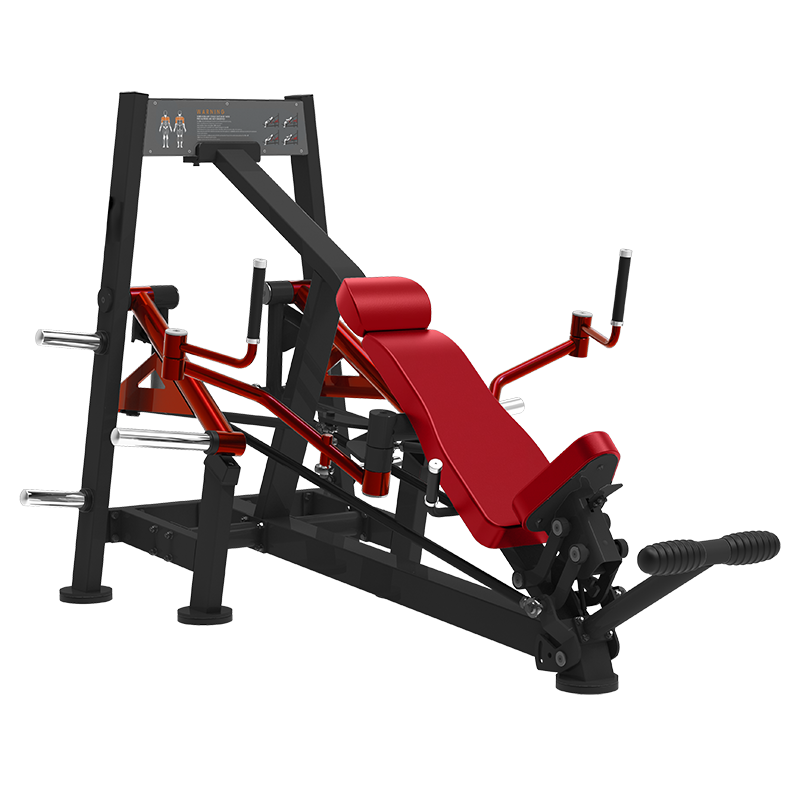
Shandong Minolta Fitness Equipment Co., Ltd., for example, operates in a sector where product variety and clear differentiation matter. MND FITNESS offers commercial gym equipment across strength and cardio ranges, with more than 300 types of exercise equipment and exports to more than 100 countries. In that kind of product environment, clear selection systems and intuitive interface choices help users move through options without confusion, whether the context is product configuration, display navigation, or equipment operation.
The point is not that a fitness equipment manufacturer needs a flashy interface. It is the opposite. When the product itself is demanding or physically involved, the menu logic should stay simple, direct, and predictable.
Common mistakes buyers and spec writers make
One common mistake is assuming a Pull Down list is always the safest default. It is not. If the list is long, the user may need too much scrolling. If the terms are similar, the wrong item can be selected by accident. If the options are time-sensitive, the extra click can become a nuisance.
Another mistake is overestimating how much context the user has. Internal teams may understand abbreviations, but operators, customers, or distributors may not. In those cases, the Pull Down menu design needs plain labels or supporting text. Otherwise, the interface becomes a decoding exercise.
A third issue is inconsistency. If one part of the product uses a Pull Down selector and another uses visible buttons for the same kind of action, users will slow down while they relearn the pattern. Consistency is not decorative; it is part of usability.
Buyer advice: what to request from a supplier or product team
If you are sourcing a system, platform, or device that uses a Pull Down menu, ask for a working demo rather than just screenshots. Screens hide a lot. A live test shows whether the menu opens cleanly, whether the options are readable, and whether the selection flow makes sense on the intended device.
It also helps to ask for the reasoning behind the control choice. Why a Pull Down menu instead of a visible list? Why that order? Why those labels? A thoughtful supplier should be able to explain the interaction logic, not just show the finished screen.
For teams working with hardware and industrial products, the same caution applies to the full system. Interface decisions should align with the product’s use case, not just the designer’s preference. A control that is fine in a showroom may fail in a busy production or gym setting where users are moving quickly and attention is limited.
FAQ: short answers to common Pull Down menu questions
Is a Pull Down menu always better than a visible list?
No. A visible list is often better when users need to compare options quickly or when the list is short enough to fit comfortably on screen.
When does a Pull Down list become too long?
When users start scanning instead of recognizing, or when scrolling becomes part of the task. At that point, the control may be hiding too much.
What makes a Pull Down selector feel professional?
Clear labels, stable behavior, predictable ordering, and enough spacing to avoid accidental picks. The most professional designs are usually the least distracting.
Should product teams test Pull Down navigation with end users?
Yes, especially if the menu is used often or if mistakes are costly. A few real users will expose problems that internal reviews miss.
A simple next step for teams evaluating menu design
If you are reviewing a Pull Down menu for a product, ask one practical question: does this control help the user decide faster, or does it merely save space for the designer? That single question cuts through a lot of vague discussion.
For sourcing and product teams, the next step is usually a side-by-side comparison of interaction options, using the real device, the real user group, and the real task. That is where a Pull Down menu design proves itself or gets replaced by something better. In manufacturing and commercial equipment alike, the right interface is the one people can use without thinking too hard about it.